Manitoba time change
Effective November 1, 2026, Manitoba will no longer observe seasonal time changes and will remain on the same time year-round. Devices configured to automatically adjust for Daylight Saving Time (DST) may require configuration changes to ensure the correct date and time are maintained. Follow the instructions below to update your device settings.
Before you begin
This process will require logging into the administrator mode of the machine. If you do not know the admin password, please contact your system administrator before continuing.
Set the time
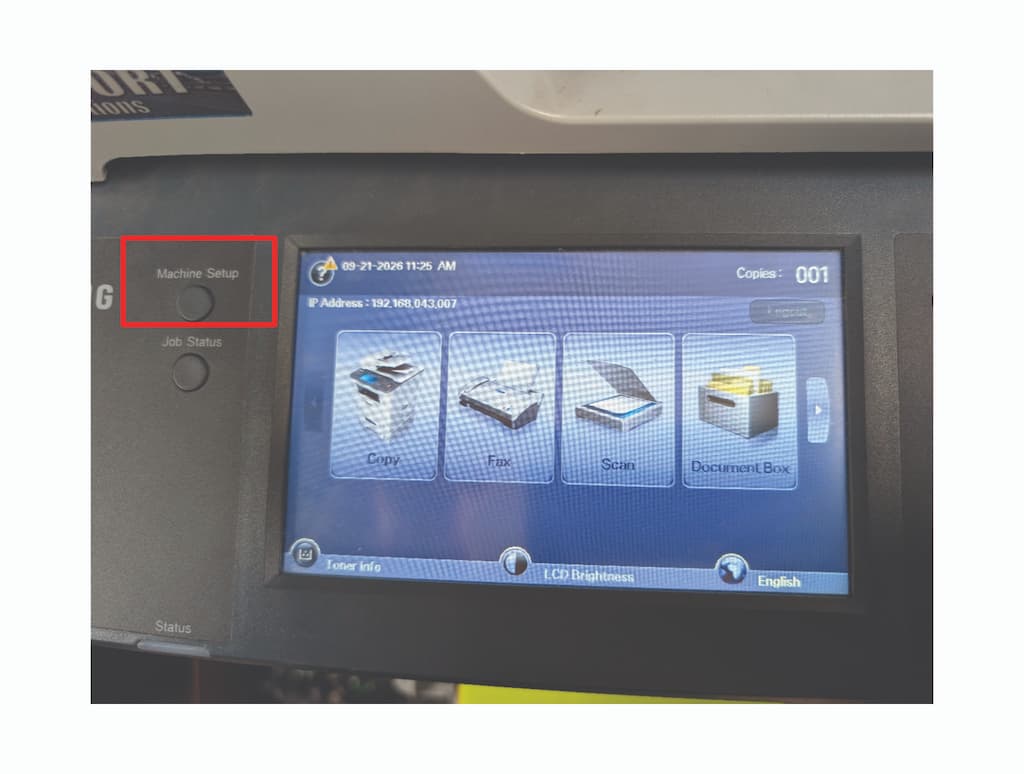
1. Press [Machine Setup]
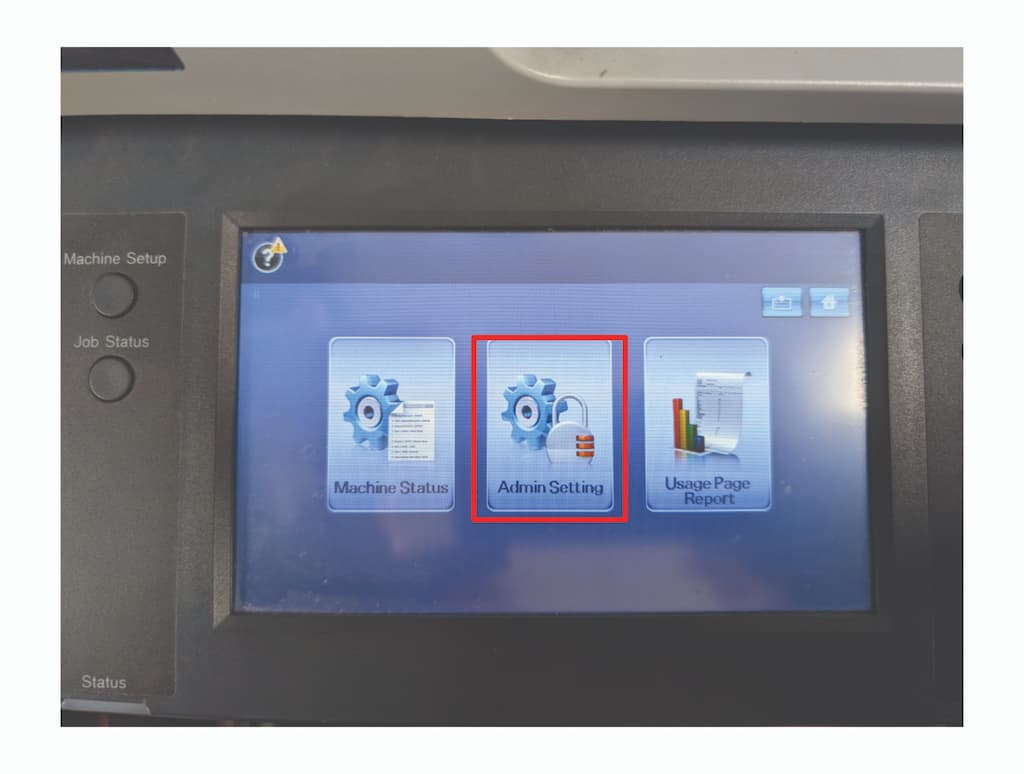
2. Select [Admin Setting]
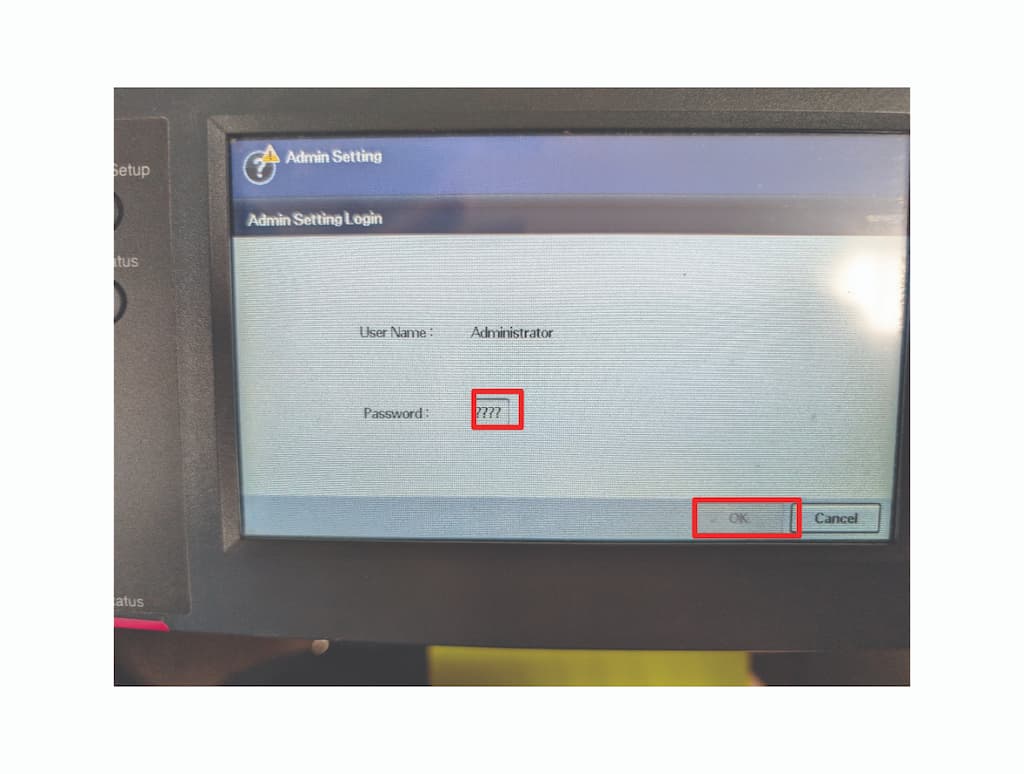
3. Enter the admin password and touch [OK]
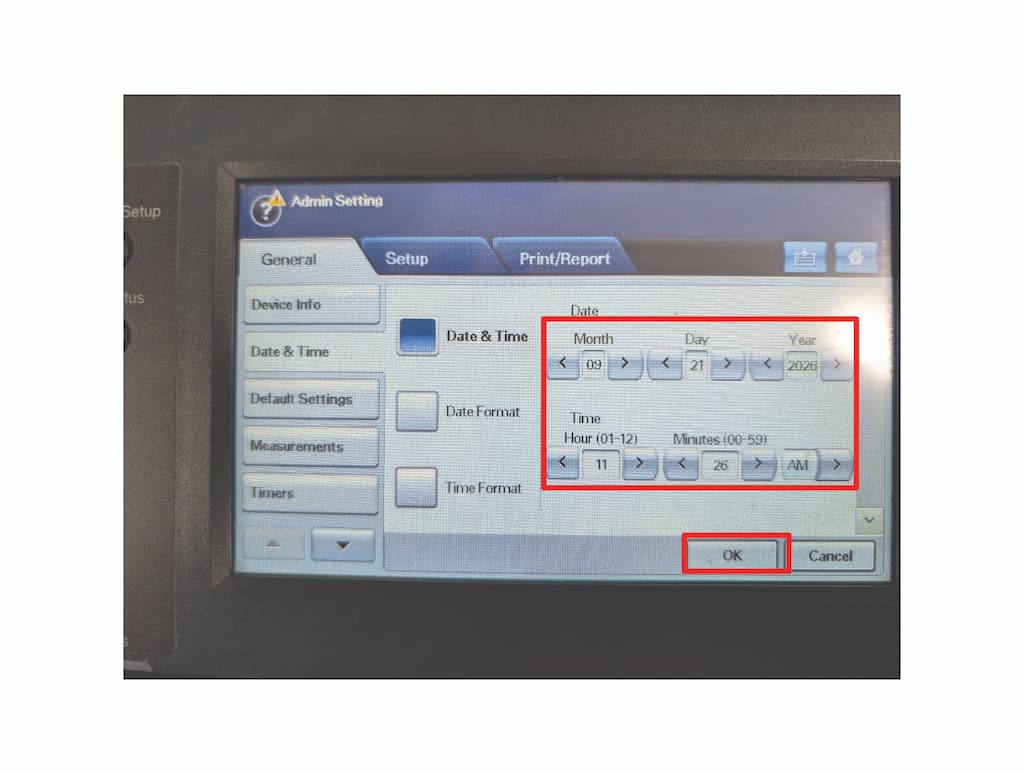
4. Select [Date & Time]
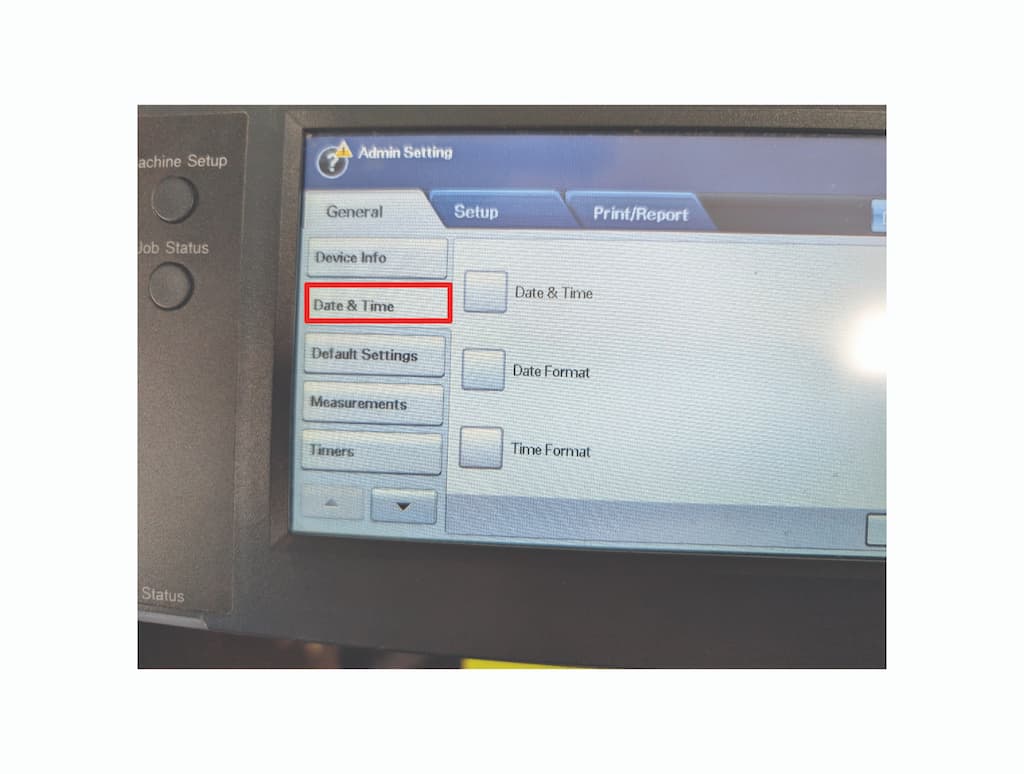
4. Select [Date & Time]
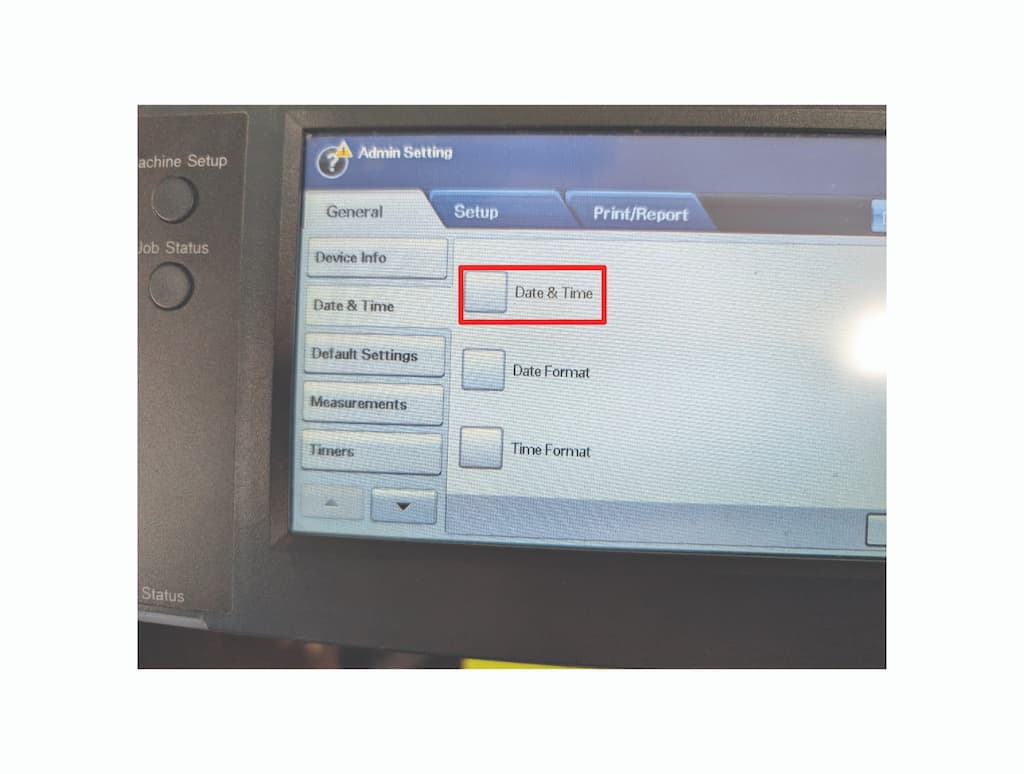
5. Adjust the time to the correct time and touch [OK]